본 포스팅은 패스트캠퍼스 환급 챌린지 참여를 위해 작성하였습니다
패스트캠퍼스 환급챌린지란?
(~6/20) 50일의 기적 AI 환급반💫 | 패스트캠퍼스
초간단 미션! 하루 20분 공부하고 수강료 전액 환급에 AI 스킬 장착까지!
fastcampus.co.kr
https://fastcampus.info/4n8ztzq
퇴근 후에도 재미있게 강의를 들을 수 있게 해주는 환급챌린지 최공!
21일차 공부 시작!
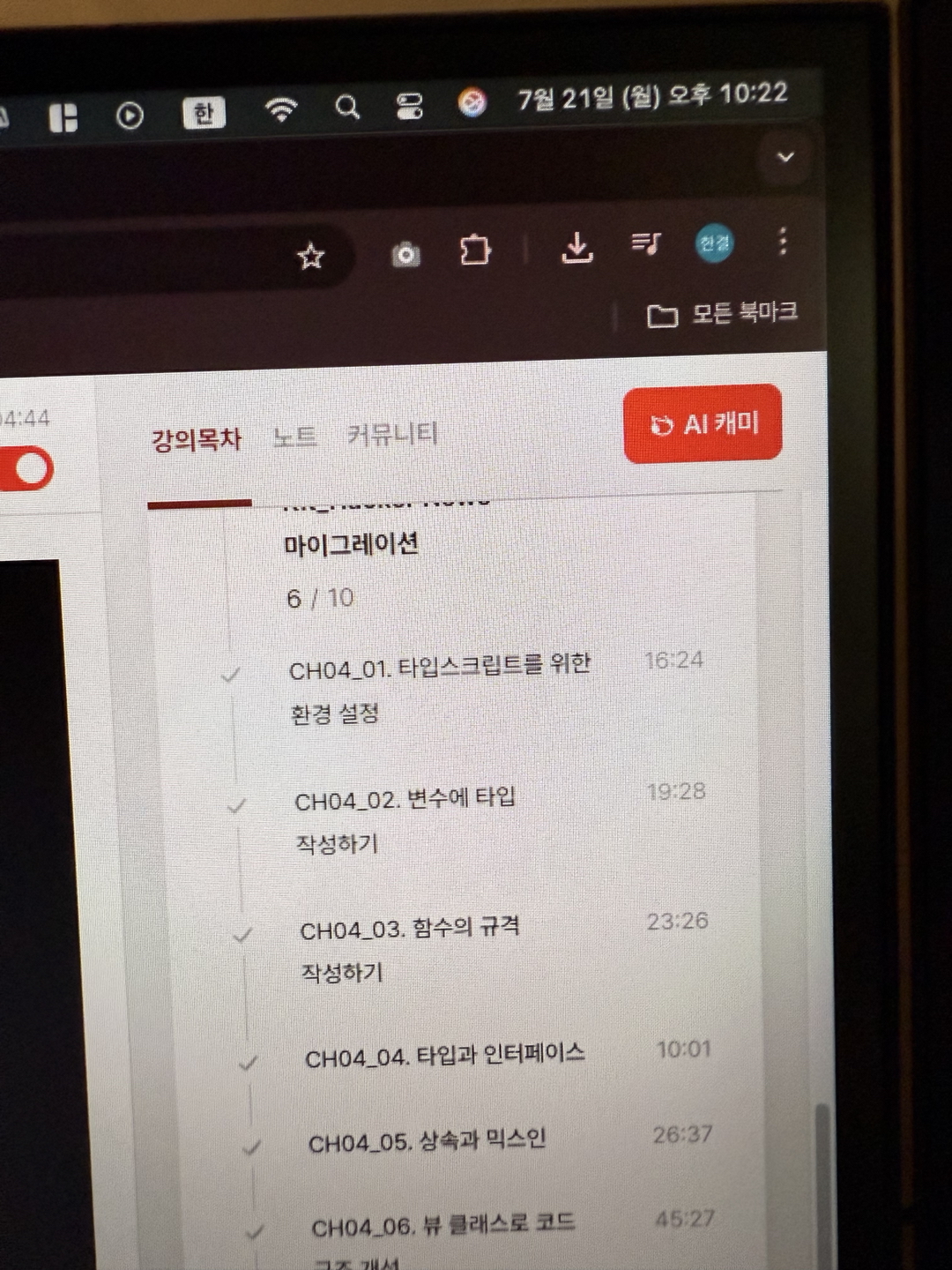
오늘의 강의 주제는 ' 뷰 클래스로 코드 구조 개선'이다.

(오늘도 마찬가지로 모자이크 처리..)
오늘의 학습 내용
* 뷰 클래스의 도입과 구조 개선의 배경
이전까지는 함수 단위로만 코드를 구성하거나 모든 코드를 클래스의 생성자에 넣는 식의 패턴이 많았다. 하지만 이러한 방식은 객체가 활용하는 정보를 일시적으로만 다루거나 인스턴스를 매번 반복적으로 새로 생성해야 하는 비효율적인 구조가 된다. 클래스에서 중요한 것은 한 번 만들어진 인스턴스에 필요한 정보를 저장하고 재활용하며 필요할 때마다 메서드를 통해 동작을 분리한다는 것이다. 즉, 클래스의 생성자에는 인스턴스를 초기화할 때만 필수적으로 필요한 코드만 두고 그 외의 주요 동작들은 별도 메서드로 분리함으로써 코드의 응집도를 높이고 재사용성을 강화할 수 있다.
* 추상 뷰 클래스의 설계 의의
이번 실습에서는 View라는 추상 클래스가 핵심이 된다. View 클래스는 전체 페이지 뷰의 구성과 렌더링을 담당한다. 페이지 별로 다른 뷰를 만들어야 할 때 중복되는 부분(예를 들어 템플릿 관리, 렌더링 업데이트, HTML 조립 등)을 공통 로직으로 abstraction하고 실제 각 화면별 동작은 render 등 오버라이딩을 이용해 개별 확장할 수 있도록 설계했다. 이 구조를 사용하면 개발자는 컨테이너(ID로 DOM을 찾음), 템플릿 할당, 동적 데이터 바인딩, DOM 반영 등의 반복작업을 매번 처리하지 않아도 되고, 추상 클래스를 상속받은 서브클래스에서는 화면 별 특징을 구현하는 데만 집중할 수 있다.
* 뷰와 데이터 전달 구조
Store라는 객체를 통해 애플리케이션의 상태(뉴스 피드, 현재 페이지 등)를 전역에서 관리한다. API와 데이터를 담당하는 클래스들은 NewsFeedApi 등 별도로 분리해 요청 및 응답 처리에 집중하며, 뷰 클래스는 이러한 데이터를 받아와 템플릿의 적절한 위치에 삽입한다. 이 때 setTemplateData 메서드는 템플릿 내부의 플레이스홀더를 주어진 데이터로 치환하는 식이며, getHtml 등 메서드를 조합해 동적 UI를 효율적으로 생성한다. 각 뷰(NewsFeedView, NewsDetailView)는 실제 API를 호출해 데이터를 받아오고, 화면에 보이는 영역별로 적절히 분할해 데이터를 바인딩하고, 반복되는 디자인은 메서드 분할을 통해 관리한다.
* 라우터와 뷰의 연결
SPA(Single Page Application)에서 라우팅은 필수다. 이번 구조에서는 Router 클래스를 별도로 만들어 해시 기반으로 경로가 바뀔 때마다 이벤트를 감지하고, 각 경로(예: /page/, /show/)에 맞는 뷰 인스턴스의 render 메서드를 호출한다. Router는 routeTable에 미리 경로별 뷰 인스턴스를 등록해두고 이 매핑을 기반으로 동작한다.
* 유지보수성과 확장성에 대한 효과
이렇게 클래스를 도입하고 공통 기능을 추상화하고 분리하는 것은 유지보수와 확장에 큰 이점을 준다. 새로운 뷰가 필요해질 때는 View를 상속받아 간단히 구현을 확장하면 되고 기존의 공통 로직이나 데이터 구조는 건드릴 필요가 없다. 또한 비즈니스 로직과 UI 렌더링 로직이 적절히 분리되어 코드의 가독성이 한층 높아진다.
* 코드 부분
interface Store {
  feeds: NewsFeed[];
  currentPage: number;
}

interface News {
  readonly id: number;
  readonly time_ago: string;
  readonly title: string;
  readonly url: string;
  readonly user: string;
  readonly content: string;
}

interface NewsFeed extends News {
  readonly points: number;
  readonly comments_count: number;
  read?: boolean;
}

interface NewsDetail extends News {
  readonly comments: NewsComment[];
}

interface NewsComment extends News {
  readonly comments: NewsComment[];
  readonly level: number;
}

interface RouteInfo {
  path: string;
  page: View;
}

const NEWS_URL = 'https://api.hnpwa.com/v0/news/1.json';
const CONTENT_URL = 'https://api.hnpwa.com/v0/item/@id.json';
const store: Store = {
  currentPage: 1,
  feeds: [],
};

class Api {
  ajax: XMLHttpRequest;
  url: string;

  constructor(url: string) {
    this.ajax = new XMLHttpRequest();
    this.url = url;
  }

  getRequest<AjaxResponse>(): AjaxResponse {
    this.ajax.open('GET', this.url, false);
    this.ajax.send();

    return JSON.parse(this.ajax.response);
  }
}

class NewsFeedApi extends Api {
  getData(): NewsFeed[] {
    return this.getRequest<NewsFeed[]>();
  }
}

class NewsDetailApi extends Api {
  getData(): NewsDetail {
    return this.getRequest<NewsDetail>();
  }
}

abstract class View {
  private template: string;
  private renderTemplate: string;
  private container: HTMLElement;
  private htmlList: string[];

  constructor(containerId: string, template: string) {
    const containerElement = document.getElementById(containerId);

    if (!containerElement) {
      throw '최상위 컨테이너가 없어 UI를 진행하지 못합니다.';
    }

    this.container = containerElement;
    this.template = template;
    this.renderTemplate = template;
    this.htmlList = [];
  }

  protected updateView(): void {
    this.container.innerHTML = this.renderTemplate;
    this.renderTemplate = this.template;
  }

  protected addHtml(htmlString: string): void {
    this.htmlList.push(htmlString);
  }

  protected getHtml(): string {
    const snapshot = this.htmlList.join('');
    this.clearHtmlList();
    return snapshot;
  }

  protected setTemplateData(key: string, value: string): void {
    this.renderTemplate = this.renderTemplate.replace(`{{__${key}__}}`, value);
  }

  private clearHtmlList(): void {
    this.htmlList = [];
  }

  abstract render(): void;
}

class Router {
  routeTable: RouteInfo[];
  defaultRoute: RouteInfo | null;

  constructor() {
    window.addEventListener('hashchange', this.route.bind(this));

    this.routeTable = [];
    this.defaultRoute = null;
  }

  setDefaultPage(page: View): void {
    this.defaultRoute = { path: '', page };
  }

  addRoutePath(path: string, page: View): void {
    this.routeTable.push({ path, page });
  }

  route() {
    const routePath = location.hash;

    if (routePath === '' && this.defaultRoute) {
      this.defaultRoute.page.render();
    }

    for (const routeInfo of this.routeTable) {
      if (routePath.indexOf(routeInfo.path) >= 0) {
        routeInfo.page.render();
        break;
      }
    }
  }
}
class NewsFeedView extends View {
  private api: NewsFeedApi;
  private feeds: NewsFeed[];

  constructor(containerId: string) {
    let template: string = `
      <div class="bg-gray-600 min-h-screen">
        <div class="bg-white text-xl">
          <div class="mx-auto px-4">
            <div class="flex justify-between items-center py-6">
              <div class="flex justify-start">
                <h1 class="font-extrabold">Hacker News</h1>
              </div>
              <div class="items-center justify-end">
                <a href="#/page/{{__prev_page__}}" class="text-gray-500">
                  Previous
                </a>
                <a href="#/page/{{__next_page__}}" class="text-gray-500 ml-4">
                  Next
                </a>
              </div>
            </div>
          </div>
        </div>
        <div class="p-4 text-2xl text-gray-700">
          {{__news_feed__}}
        </div>
      </div>
    `;

    super(containerId, template);

    this.api = new NewsFeedApi(NEWS_URL);
    this.feeds = store.feeds;

    if (this.feeds.length === 0) {
      this.feeds = store.feeds = this.api.getData();
      this.makeFeeds();
    }
  }

  render(): void {
    store.currentPage = Number(location.hash.substr(7) || 1);

    for(let i = (store.currentPage - 1) * 10; i < store.currentPage * 10; i++) {
      const { id, title, comments_count, user, points, time_ago, read } = this.feeds[i];
      this.addHtml(`
        <div class="p-6 ${read ? 'bg-red-500' : 'bg-white'} mt-6 rounded-lg shadow-md transition-colors duration-500 hover:bg-green-100">
          <div class="flex">
            <div class="flex-auto">
              <a href="#/show/${id}">${title}</a>
            </div>
            <div class="text-center text-sm">
              <div class="w-10 text-white bg-green-300 rounded-lg px-0 py-2">${comments_count}</div>
            </div>
          </div>
          <div class="flex mt-3">
            <div class="grid grid-cols-3 text-sm text-gray-500">
              <div><i class="fas fa-user mr-1"></i>${user}</div>
              <div><i class="fas fa-heart mr-1"></i>${points}</div>
              <div><i class="far fa-clock mr-1"></i>${time_ago}</div>
            </div>
          </div>
        </div>
      `);
    }

    this.setTemplateData('news_feed', this.getHtml());
    this.setTemplateData('prev_page', String(store.currentPage > 1 ? store.currentPage - 1 : 1));
    this.setTemplateData('next_page', String(store.currentPage + 1));

    this.updateView();
  }

  private makeFeeds(): void {
    for (let i = 0; i < this.feeds.length; i++) {
      this.feeds[i].read = false;
    }
  }
}

class NewsDetailView extends View {
  constructor(containerId: string) {
    let template = `
      <div class="bg-gray-600 min-h-screen pb-8">
        <div class="bg-white text-xl">
          <div class="mx-auto px-4">
            <div class="flex justify-between items-center py-6">
              <div class="flex justify-start">
                <h1 class="font-extrabold">Hacker News</h1>
              </div>
              <div class="items-center justify-end">
                <a href="#/page/{{__currentPage__}}" class="text-gray-500">
                  <i class="fa fa-times"></i>
                </a>
              </div>
            </div>
          </div>
        </div>

        <div class="h-full border rounded-xl bg-white m-6 p-4 ">
          <h2>{{__title__}}</h2>
          <div class="text-gray-400 h-20">
            {{__content__}}
          </div>

          {{__comments__}}

        </div>
      </div>
    `;

    super(containerId, template);
  }

  render() {
    const id = location.hash.substr(7);
    const api = new NewsDetailApi(CONTENT_URL.replace('@id', id));
    const newsDetail: NewsDetail = api.getData();

    for(let i=0; i < store.feeds.length; i++) {
      if (store.feeds[i].id === Number(id)) {
        store.feeds[i].read = true;
        break;
      }
    }

    this.setTemplateData('comments', this.makeComment(newsDetail.comments))
    this.setTemplateData('currentPage', String(store.currentPage));
    this.setTemplateData('title', newsDetail.title);
    this.setTemplateData('content', newsDetail.content);

    this.updateView();
  }

  makeComment(comments: NewsComment[]): string {
    for(let i = 0; i < comments.length; i++) {
      const comment: NewsComment = comments[i];

      this.addHtml(`
        <div style="padding-left: ${comment.level * 40}px;" class="mt-4">
          <div class="text-gray-400">
            <i class="fa fa-sort-up mr-2"></i>
            <strong>${comment.user}</strong> ${comment.time_ago}
          </div>
          <p class="text-gray-700">${comment.content}</p>
        </div>
      `);

      if (comment.comments.length > 0) {
        this.addHtml(this.makeComment(comment.comments));
      }
    }

    return this.getHtml();
  }
}

const router: Router = new Router();
const newsFeedView = new NewsFeedView('root');
const newsDetailView = new NewsDetailView('root');

router.setDefaultPage(newsFeedView);

router.addRoutePath('/page/', newsFeedView);
router.addRoutePath('/show/', newsDetailView);

router.route();
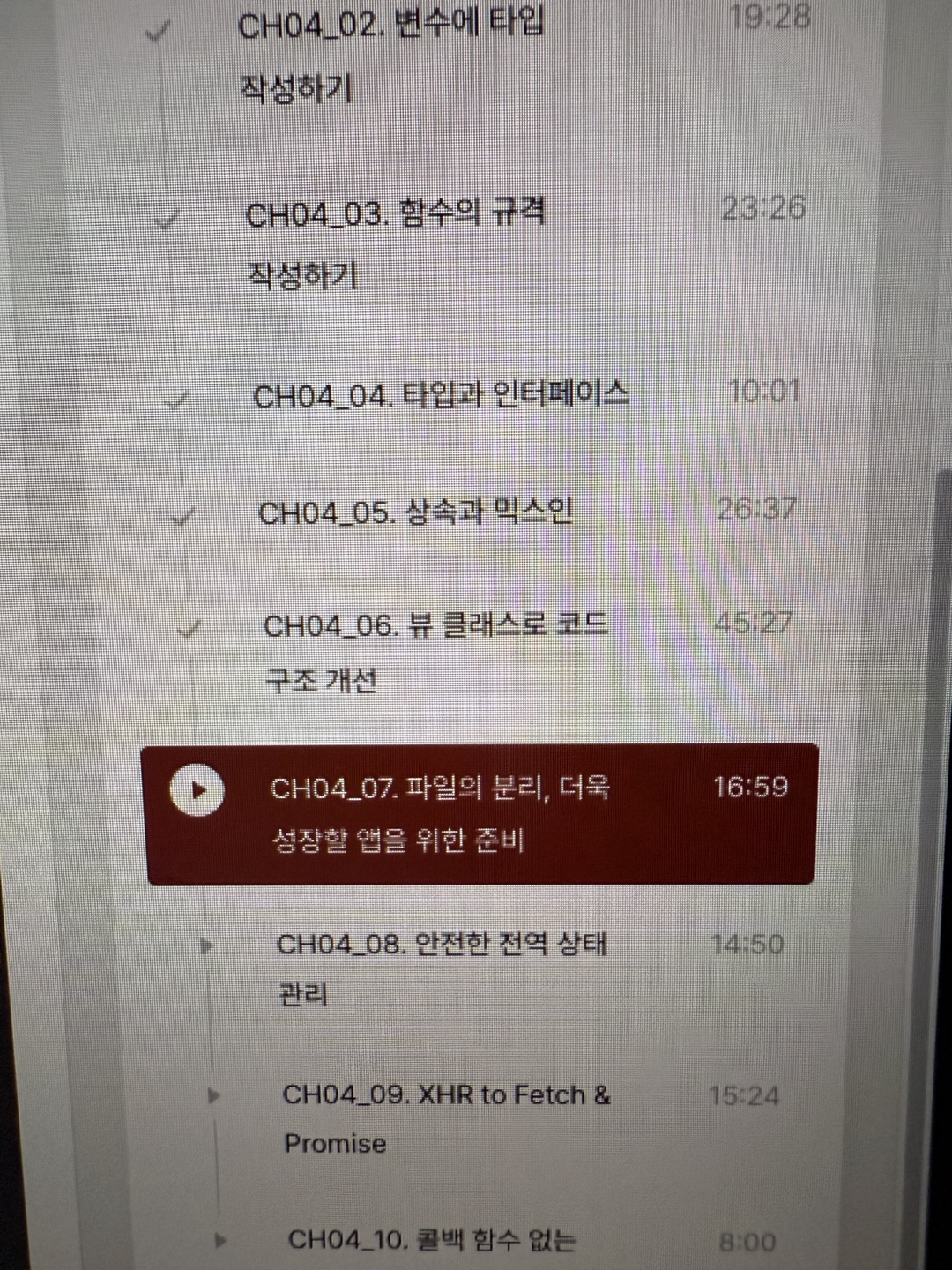


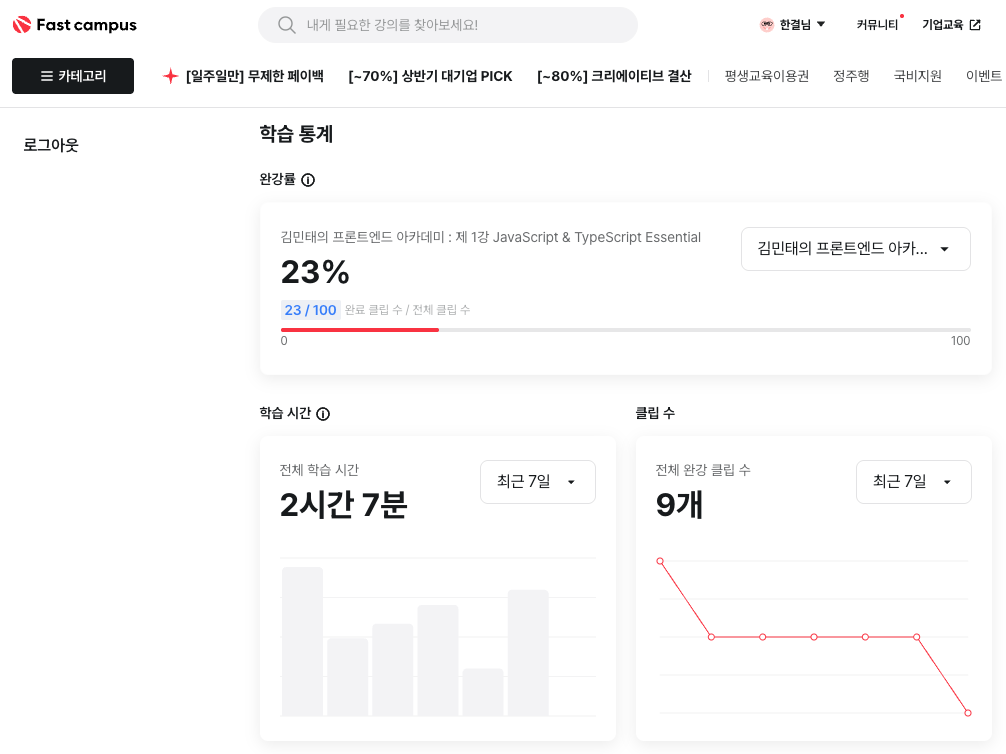
마치며
오늘도 환급 챌린지 23강 공부 완료!!
이번 강의에서는 뷰 클래스 구조로 변경하는 작업에 대한 내용이었다. 싱글톤이나 일반적인 클래스 구조는 봤었지만 이런 식으로 다양하게 활용하는 것은 처음봤기때문에 신기했고 도움이 되었다. 나중에 한 번 다시 자세하게 들여다봐야겠다.